
Invert (negative filter) - Invert colors using the invert effect
How to Invert Video Color
Inverts the colors in the image, making it look like a photo negative.
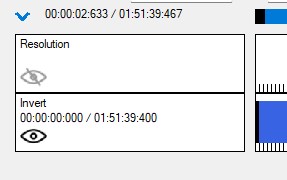
Step-by-step guide: How to use a negative filter for a video
In this tutorial we will show you how to use the negative filter in a video.
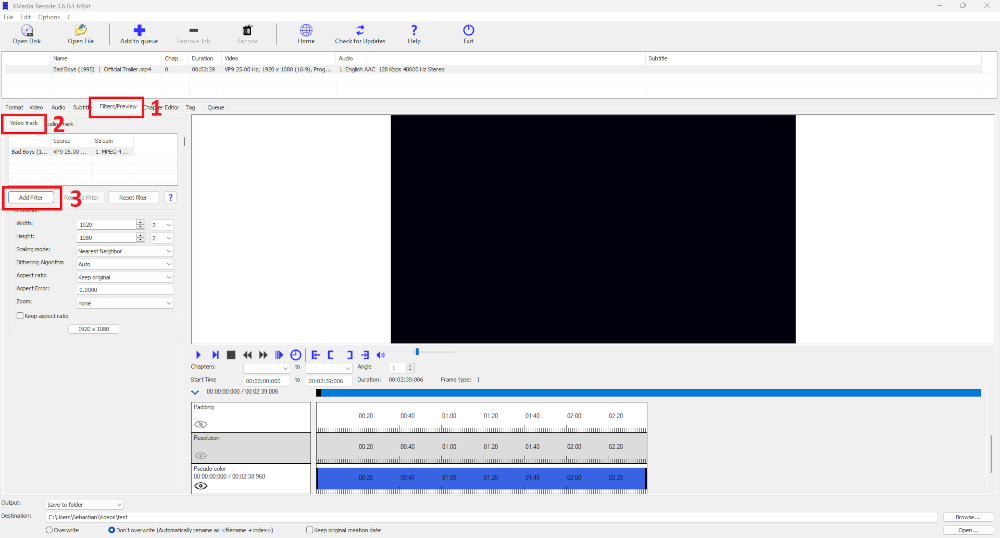
Step 1: Select the "Filter/Preview" tab and click the "Video Track" tab
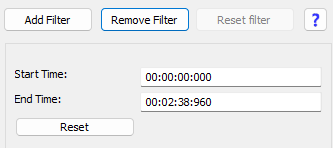
You can add the Invert filter using the "Add filter" button.
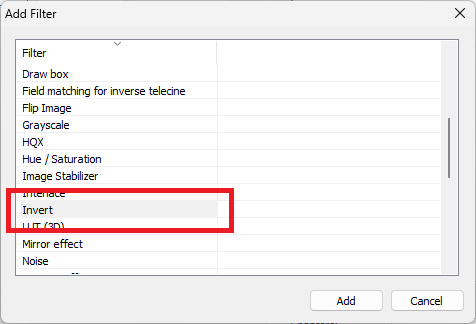
Step 2: Select Invert filter and click "Add"
Step 3: Select Invert and set settings
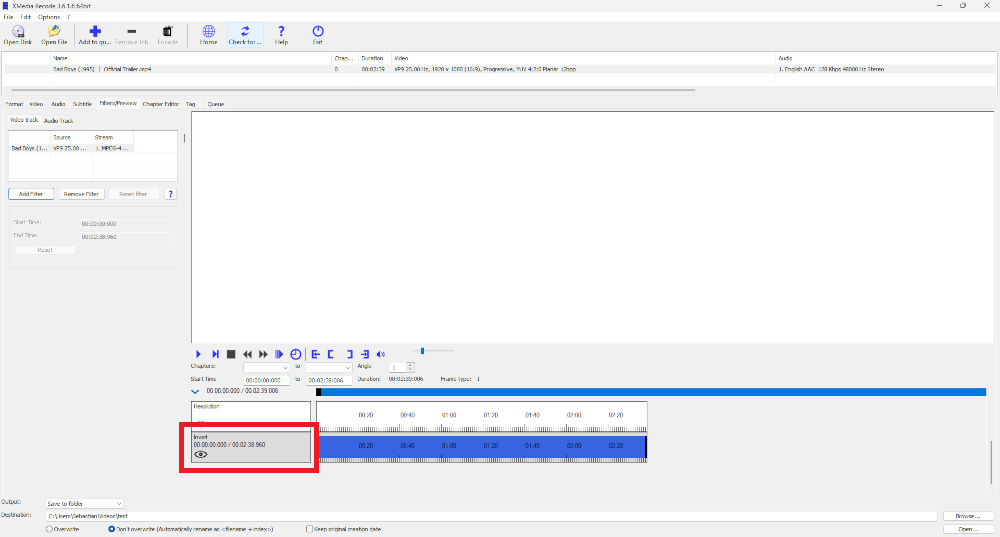
Start Time
- Specifies the start time of the filter.
End Time
- Specifies the desired end time of the filter.
Before and after comparison: How to give your videos a photo negative effect
Before

After

Advertisement